Custom software vs off-the-shelf SaaS
Most NZ businesses don't need custom software — they need the right SaaS. Here's how to tell which side of that line you're on before you spend a cent.

The unpopular bit first
We'll start with the unpopular bit: most NZ businesses shouldn't build custom software. They should buy a SaaS tool, configure it properly, and get on with their work.
It's not what you'd expect a custom software studio to say, but it's the right approach. Quick definition first: SaaS stands for Software as a Service — the subscription software you log into through a browser. You pay a monthly fee, the vendor maintains it, you don't own it but you don't have to think about it either. Xero, monday.com, HubSpot, Workflow Max, Cin7, Hubdoc. There's a vast inventory of off-the-shelf tools like these for NZ businesses, and most of the time one of them is the right answer. Custom only earns its place when your process is genuinely different from everyone else's, and that difference is what makes you money.
This article is about how to tell the two situations apart before you spend $30,000 finding out the hard way.
Why SaaS usually wins
A typical NZ SaaS subscription runs $30 to $200 per user per month. Custom software starts at around $15,000 to $30,000 for a focused tool and climbs steeply from there. The maths are obvious for most use cases.
But cost is only half of why SaaS wins. The other half is that mature SaaS tools have already absorbed thousands of edge cases you haven't thought of yet. Permissions. Backups. Two-factor auth. PDF exports. Mobile views. CSV imports. A team of dozens or hundreds of engineers has worked on the boring infrastructure that you'd otherwise pay us to build from scratch.
When you buy SaaS, you're buying:
- Software that already works on day one
- Updates that arrive without you commissioning them
- Integrations that are already wired up to the rest of your stack
- A support team that isn't you
- A price you can stop paying if it stops being worth it
Custom software gives you none of that for free. Everything we build, we (and you) have to maintain. That's not a deal-breaker, sometimes it's exactly what you need, but it has to be a conscious trade.
The two questions that decide it
Forget the long checklist. There are really only two questions that matter, and you should be able to answer both before you talk to a developer. If the answer to either is yes, custom software is a valid path.
Question 1: Is the process you're trying to support the thing that actually makes your business different from your competitors?
The real test is whether this process makes you money. If it's your point of difference and the thing your competitors can't easily copy, then custom may be worth it. Forcing your edge into a generic SaaS will either flatten your offering or require so much workaround that you're effectively building custom software anyway, just badly.
Question 2: Have you tried at least two mature SaaS tools and confirmed they can't be configured to fit?
To answer this question, it means you've actually trialled them with your team, populated them with real data, and watched the workflow break in a specific way. Not just "we looked at the homepage and it didn't feel right".
Think of every SaaS tool as a box. Inside the box, things work. The moment your workflow needs something outside, you're stacking workarounds — Zaps that break every second Tuesday, three tabs open to do what should be one click.
Glue tools like Zapier or Make are fine for clean handoffs — a Monday.com task creating a Xero invoice is a sensible use of them. The problem is when you're stacking glue to paper over a fit gap the SaaS can't actually close. If that's the only way to make it work, custom is on the table.
A bespoke plugin or extension on top of the SaaS is sometimes the right move, a NetSuite SuiteScript or Bundle, for example. The advantage is you keep the platform's infrastructure (auth, data, integrations) and only build the missing piece. Just treat that plugin as custom software in its own right: same maintenance, same security, same budget discipline as a standalone build.
When custom genuinely wins
For the businesses where custom is the right call, the pattern is consistent. We've seen it across pricing, professional services, uniforms, facilities management, and a handful of niche operators.
Custom wins when:
Your process is the product. A facilities management firm whose competitive advantage is the way they sequence inspections. A uniform supplier whose pricing model is built around per-garment customisation that no SaaS catalogue supports. An audit firm whose engagement workflow is the IP. In each of these, a generic tool would force them to standardise the thing that's actually making them money.
You have a workflow no SaaS handles end-to-end. You're stitching three tools together with spreadsheets, Zaps, and email. Someone retypes the same data four times a week. The whole setup runs on duct tape. At some volume, usually when the manual stitching costs more than $20,000 per year in staff time, a single custom tool pays for itself in a year or two.
The off-the-shelf works but the workflow is brutal. A SaaS exists, on paper it does what you need, and your team still hates using it because every task takes ten clicks across three screens. A custom tool built around how your team actually works can collapse those ten clicks to two — and make finding things instant instead of a three-tab hunt. When the same workflow runs hundreds of times a day, the saved minutes compound fast, and the build often pays for itself on staff time alone. We see this most in asset management, stock control, and scheduling, where the off-the-shelf product technically does the job but does it the long way round.
The data is your IP and you don't want it living in someone else's database. This one's more common in professional services and regulated sectors than people expect. The SaaS economics don't quite work if you can't accept third-party data hosting.
You've outgrown the SaaS you bought. This is the most common path into custom in our experience. You started on the right SaaS three years ago. You added users, modules, edge cases. Now the tool fights you more than it helps. We've rebuilt processes that were originally Pipedrive, Trello, and several spreadsheets bolted together, and the rebuild was justified because the business had grown into a shape the SaaS couldn't hold.
When custom is the wrong answer (and you'll be told it is)
The reverse pattern is just as recognisable. If any of these are you, the answer is SaaS, and we'll tell you so on a free initial call before either of us wastes time.
- You haven't trialled a SaaS yet. Trial first, unless it's already obvious nothing on the market does what you need (which it sometimes genuinely is).
- You haven't talked to your team. They're going to use this thing every day. Their resistance to a half-built internal tool is real and load-bearing.
- You need it live next month. Custom is 8 to 16 weeks minimum for anything real. If the deadline is shorter than that, the SaaS you can buy today wins by default.
- You can't commit to maintaining it. Custom software isn't a one-off purchase — it needs ongoing care to stay healthy. If there's no budget for that beyond day one, you're building a legacy system from the start.
- The pain is a process problem, not a software problem. If a fortnight of training and a redesigned workflow inside your existing tools would solve 80% of it, do that first. Sometimes the build is the wrong answer to the right complaint.
A good developer should be willing to tell you when off-the-shelf is the right call. If the studio you're talking to has only ever quoted "yes, we can build that", without asking whether you should, you're not getting honest advice. You're getting a sales pitch. We've written separately on the ten questions to ask any developer before you sign, and "have you considered SaaS first" is one of them.
The hybrid most people miss
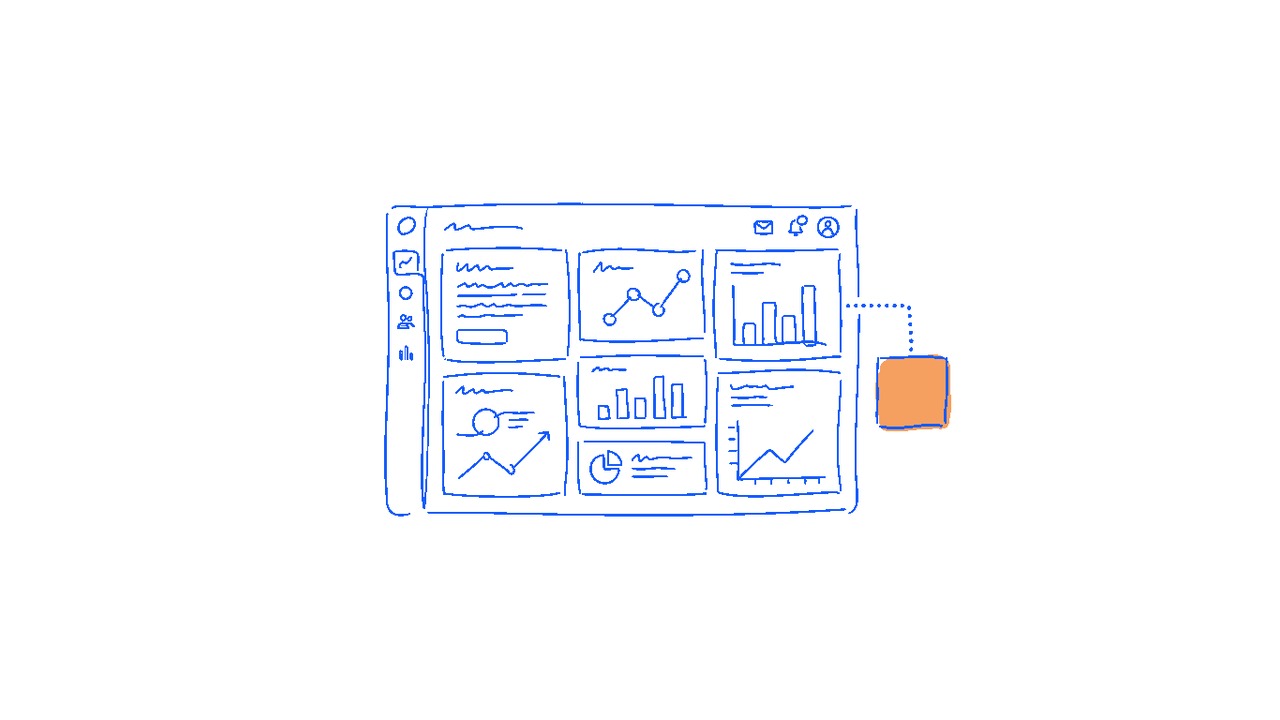
The third option, and the one that suits a surprising number of NZ businesses, is to keep your SaaS and build a thin custom layer on top of it.
That looks like:
- Your team works in Xero (or HubSpot, or Workflow Max, or whatever).
- We build a small custom tool that talks to the SaaS via its API.
- The custom tool handles the specific workflow your team can't do efficiently inside the SaaS.
- Data syncs back. The SaaS stays the source of truth.
This is usually a $15,000 to $25,000 project rather than a $40,000+ full build, and it preserves the years of SaaS maintenance you're already paying for. It's the right answer more often than people think, particularly when one specific workflow is the painful 20% and the rest of the SaaS works fine.
Decision shortcut
If you only remember three things from this article, make them these:
Default to SaaS. Custom is the exception, not the rule.
Trial at least two SaaS tools properly before commissioning anything custom. Watching them fail with your real data is the only honest evidence.
If you do go custom, make sure the process being supported is the thing that genuinely makes you different. Otherwise you're paying us to recreate something that already exists, only worse.
If you're not sure which you need, that's a good conversation to have before money changes hands.