What's actually worth automating with AI
Most 'AI for business' content is theatre. Here are the four unglamorous workflows where AI automation actually pays back for NZ SMEs in 2026 — with real effort and payback estimates.

The unglamorous list
The marketing pitch and hype promise AI agents that run your business. The reality, in mid-2026, is that the workflows actually paying back for NZ small businesses are unglamorous and specific. Quoting. Document handling. Support triage. Internal Q&A. That's most of it.
This article walks through those four, and a couple that are nearly a reality, with real effort estimates and real cost ranges. If you're a NZ owner trying to work out whether AI is "for you" yet, yes, in narrow places, this is the practical version of that conversation.
Why most "AI for business" content is theatre
Before the useful bit, a quick bit of framing.
Most LinkedIn AI content shows a workflow that takes ten minutes to demo and three months to actually integrate into a real business. The demo always works. The integration usually doesn't, because:
- The AI is connected to the wrong data
- No one's defined the failure case ("what happens when the AI gets it wrong?")
- It's been bolted on as a layer on top of an existing process, when it really needed the process redesigned around it
- There's no human in the loop for the parts where the AI shouldn't decide alone
The genuinely useful AI automation pattern is almost always: pick one painful workflow, redesign it around AI doing the boring middle part and leave a human at the decision point. Once in place, measure whether it's actually faster and/or more accurate. That's developer-led AI in practice, applied to a single workflow rather than a whole build.
Now the four workflows where this works.
1. Quoting and proposal drafting
This is the one we recommend most often, and it's almost always the highest-payback AI use case for service businesses.
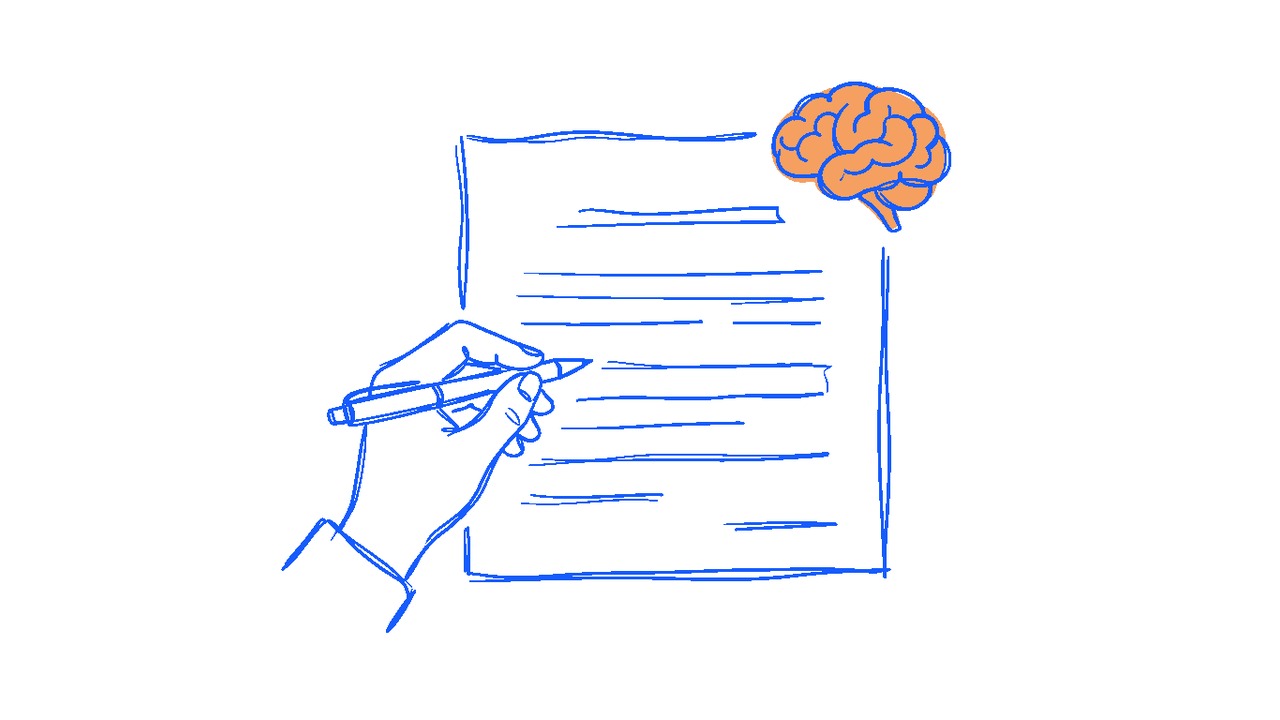
The workflow: AI drafts the first version of a quote, scope, or proposal from a brief or a sales call note, including a first pricing draft. Staff edit before sending. Nothing goes out without a human read.
What it replaces: The 90 minutes of staff time spent assembling boilerplate, formatting tables, copying from past projects, and writing the first draft from scratch. The AI doesn't replace the thinking, it replaces the typing.
Build effort: A focused tool sits within our smaller project band, typically $15,000–$25,000 if it integrates with your existing CRM. At the lower end of that range if it's a standalone document drafter.
Realistic payback: A team that produces 4–6 proposals a week saves around 5–8 hours of senior staff time weekly. At NZ professional services rates, that's $400 to $700 in time per week, or $20,000–$35,000 a year. The build pays back inside year one in most cases.
Where it goes wrong: When teams trust the AI output without review. The proposals start to read templated, lose the personalisation that won deals in the first place, and the close rate drops. Keep the human at the decision point, every time.
2. Document classification and extraction
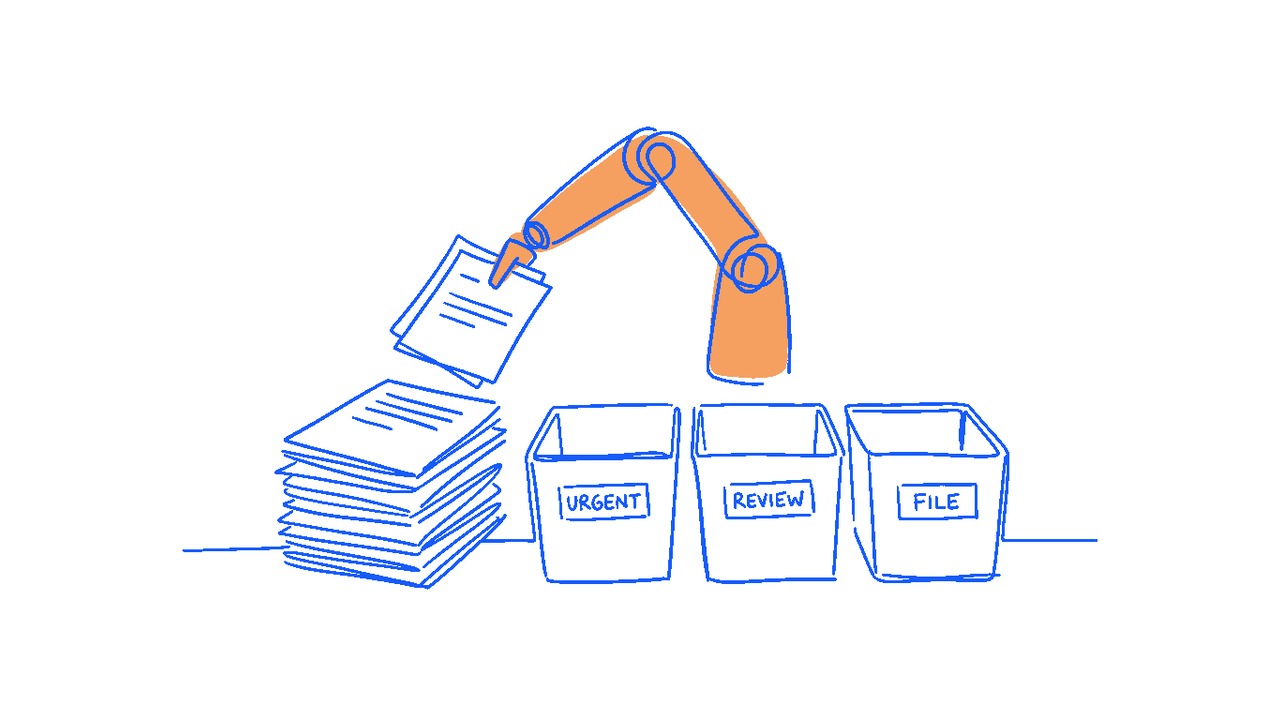
If your business handles documents in volume, invoices, receipts, statements, applications, contracts, there's almost certainly an AI workflow here.
The workflow: Documents come in (email, upload, scanned), AI extracts the structured data (amounts, dates, references, parties), routes them to the right place, flags anything unusual for human review.
What it replaces: Take a warehousing example. A packing slip lands in the inbox when a shipment arrives. AI reads it, extracts the SKUs and quantities, matches them against the open purchase order in your inventory system, flags any discrepancies, and routes clean matches straight to receiving for sign-off. The staff time that used to go into typing SKUs into a screen now goes into the work that actually needs a human: sorting out the exceptions. The same pattern fits supplier invoices, courier manifests, customs paperwork, and returns documentation.
Build effort: Varies more than the others. A bolt-on to an existing process can sit at $15,000–$25,000. A more integrated workflow that touches your accounting or CRM stack lands in the $25,000–$45,000 range.
Realistic payback: Depends on volume and use case. At low volumes for a simple process, an off-the-shelf SaaS like Hubdoc or Dext often wins. But even 100 documents a month can justify a custom workflow if the process being replaced is genuinely complex or high-value.
Where it goes wrong: When the AI is set up without a "humans review uncertain results" fallback. AI extraction is right roughly 95% of the time. The other 5% is silently expensive if no one's looking.
3. Customer support triage and drafting
Not the autonomous chatbot pitch you've seen on a hundred SaaS landing pages. Something more boring and more useful.
The workflow: Incoming customer queries (email, form, chat) get triaged automatically, urgent vs routine, category, customer history surfaced. AI drafts a first-pass reply for the routine ones. Staff review and send. The urgent ones get escalated to a human immediately.
What it replaces: The 10–15 minutes per query that experienced staff spend reading, looking up customer history, drafting, and checking. AI takes that to 2–4 minutes for the routine 70% of queries.
Build effort: Off-the-shelf helpdesk tools (Zendesk, Intercom, Freshdesk) are increasingly shipping this functionality built-in. Check what your current tool offers first, the AI triage and drafting features may already be there for a subscription. We've built custom helpdesk solutions where off-the-shelf can't reach the data sources or workflows a company actually runs on. Those custom builds typically land at $20,000–$40,000 depending on integration depth.
Realistic payback: Strongest for businesses dealing with 200+ queries a month. Saves 40–60% of customer support staff time once trust is built.
Where it goes wrong: When companies skip the "staff review before send" step to save more time. The first wrong AI reply that goes out unchecked to a high-value customer costs more than the entire year's worth of saved staff time. Human in the loop is non-negotiable.
4. Internal Q&A across company knowledge
This one's quieter and harder to measure, but several NZ clients we've talked to are seeing genuine payback.
The workflow: Staff ask questions of company knowledge, policies, procedures, past project files, SOPs, training material, through a private AI tool that's been given controlled access to those documents. Answers cite source. Sensitive content stays in your environment.
What it replaces: The "ask the senior person in the office" pattern. The induction documents nobody reads. The Slack searches that return nothing useful.
Build effort: Smaller than people expect for a basic version, $15,000–$25,000 for a tool wired up to a defined document set. Larger if it has to handle deep permissions or live data.
Realistic payback: Harder to quantify because it saves time with fewer interruptions to senior staff, faster staff onboarding, and better consistency rather than one specific workflow or process quantifiably faster.
Where it goes wrong: When the tool is fed too much, too messily. AI Q&A on a hundred well-curated documents works. AI Q&A on every file in your Google Drive doesn't. Curation effort up front is most of the work.
Three workflows not yet worth pursuing
AI voice agents on customer calls. Automated phone support that sounds human. The reality is most callers can still tell it's AI, and the moment a query goes outside the script the experience drops fast. The tech is improving, but the trust cost of getting it wrong with a real customer is high. Worth revisiting in another year or two.
AI scheduling agents. Demo well. Break in real businesses, because the genuinely hard part of scheduling is the human politics of who gets the slot, not the algorithm. Not worth automating yet.
Full sales agent automation. Multiple tools claim it. We've not yet seen a NZ small business get reliable ROI from one. The automation isn't reliable enough yet, watch the space.
How to pick which one (if any)
If you're considering AI automation, the question we'd ask first is the same one we'd ask about any custom build: where's the actual pain?
If quoting is taking your team forever, start there. If document admin is bottlenecking your finance function, that's the priority. If customer support is the chronically over-promised, under-resourced part of the business, that's where AI helps soonest.
Don't start with "we should be using AI" and work backwards looking for a problem to solve with it. That's how businesses end up with a $25,000 build that runs once a quarter and quietly stops being used.
Start with the workflow that's costing you real time or real money today. Ask whether AI plus a human-in-the-loop redesign could halve the cost of that workflow. If yes, scope a small pilot, one workflow, one tool, one quarter of measurement. If no, you've saved yourself the project.
If you're not sure which workflow is the right place to start, or whether AI is even the right answer for it, that's a good conversation to have before money changes hands. A few questions worth asking any developer before you sign is a useful starting point.